- December 08, 2025
Summarize with AI
Not enough time? Get the key points instantly.
Get summary:
Introduction
Developing a fitness tracker app is an exciting journey blending technology with health. Whether you are aiming to build a simple step-counter or an advanced activity analyzer, clear planning and smart choices matter. This guide breaks down the process step-by-step to develop fitness tracker app.
Fitness apps are everywhere, but making one that stands out takes understanding both user needs and the technology behind the scenes. From choosing the right sensors and platforms to designing smooth user experiences, each step plays a key role. Let us explore how you can design fitness tracker.
Step By Step Process for Fitness Tracker App Development
Define app goals and target audience
- Identify key features (step counting, heart rate, sleep tracking)
- Understand fitness level and preferences of target users
- Set clear milestones for development and launch
Design user experience (UX) and interface (UI)
- Use wireframes and mockups to plan screens and navigation
- Prioritize simple, clean layouts with easy-to-read data
- Think about motivating features like badges or reminders
Choose development platform
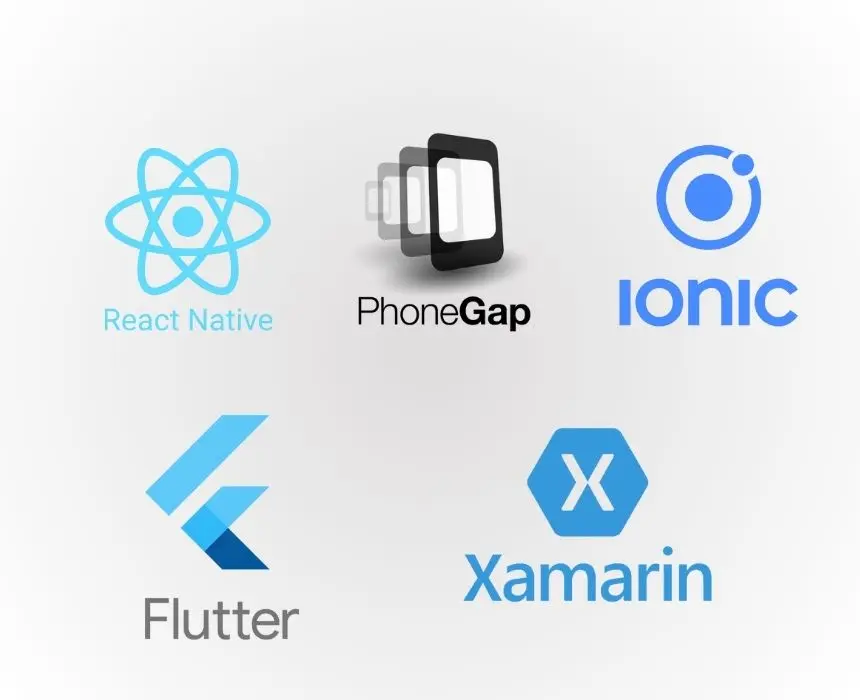
- Decide between Android, iOS, or cross-platform frameworks (React Native, Flutter)
- Consider your audience preferred devices and budget constraints
- Cross-platform saves time but may limit hardware-specific features
Select key technologies
- Programming languages: Swift (iOS), Kotlin/Java (Android), or JavaScript for cross-platform
- Use libraries or SDKs for sensors and health data (Google Fit, Apple HealthKit)
- Plan backend infrastructure for storing user data securely
Integrate with device sensors and hardware
- Connect to smartphone accelerometer and gyroscope for movement tracking
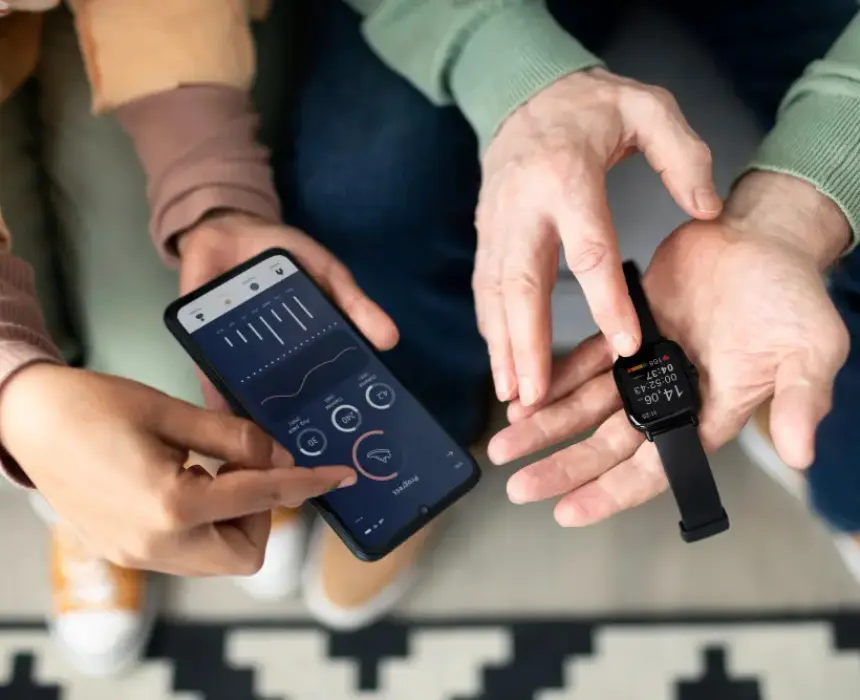
- Use built-in heart rate monitors if available, or pair with external wearables via Bluetooth
- Support GPS for running, cycling, and location-based tracking
Develop core features
- Step counting using accelerometer data analysis
- Heart rate monitoring and notifications based on thresholds
- Sleep pattern tracking leveraging movement and device sensors
- Activity logs with timestamps and summaries
Test and refine sensor data accuracy
- Validate sensor readings against real-world data
- Use filters and algorithms to reduce false counts or errors
- Collect user feedback to improve responsiveness and reliability
Implement user account and data privacy
- Allow users to create accounts or use social login for easy access
- Encrypt sensitive data and follow GDPR or HIPAA guidelines as applicable
- Provide clear privacy policies and data control options
Design motivation and social features
- Add goal setting and progress tracking to motivate users
- Offer sharing options on social media or in-app communities
- Introduce challenges and rewards to boost user engagement
Optimize performance and battery usage
- Avoid excessive sensor polling to conserve battery life
- Use background processing strategically for data syncing
- Test app responsiveness on different devices and OS versions
Deploy and maintain the app
- Publish on App Store and Google Play with proper app store optimization (ASO)
- Monitor user reviews and crash reports for quick fixes
- Plan regular updates to introduce new features or improve UX
Technologies and platforms used in fitness trackers
Sensors
- Accelerometer, gyroscope, magnetometer for motion detection
- Barometer for altitude measurement (stairs climbed)
- GPS for location-tracking workouts
Wearables compatibility
- Bluetooth Low Energy (BLE) for connecting smartwatches and heart rate monitors
- Open standards like ANT+ and proprietary SDKs from brands (Fitbit, Garmin)
Mobile development tools
- Swift for native iOS apps
- Kotlin or Java for native Android apps
- React Native, Flutter for cross-platform development
Health data frameworks
- Apple HealthKit provides API access to users health data on iOS
- Google Fit offers similar services for Android devices
- Third-party APIs for extended analytics and insights
Backend services
- Cloud storage (Firebase, AWS, Azure) for syncing user data across devices
- Analytics platforms for usage patterns and engagement tracking
- Notification services for reminders and alerts
Hardware and firmware integration considerations
Selecting sensors
- Smartphone built-in sensors cover most basic tracking
- External devices needed for advanced biometric data (ECG, SpO2)
Bluetooth integration
- Use BLE profiles for heart rate, step count, and other fitness data
- Handle connection management and data synchronization carefully to avoid battery drain
Firmware compatibility
- Ensure your app supports firmware versions of popular devices users might own
- Test seamless data interchange between hardware and app
Power management
- Balance frequent data updates with battery efficiency
- Use sensor batching and low-power modes when available
Security and updates
- Use secure communication protocols for device-app pairing
- Plan firmware update notifications from the app, if applicable
Conclusion
Developing a fitness tracker app blends creativity, user psychology, and technical expertise. With a structured plan and a deep focus on real user needs, you can build an app that motivates people to improve their health every day. Start with a simple core feature, test rapidly, learn from feedback, and evolve continuously. Just like fitness, great tech products grow stronger through consistent progress and iteration.
Author
Have Something on Your Mind? Contact Us : info@corefragment.com or +91 79 4007 1108

Related articles